
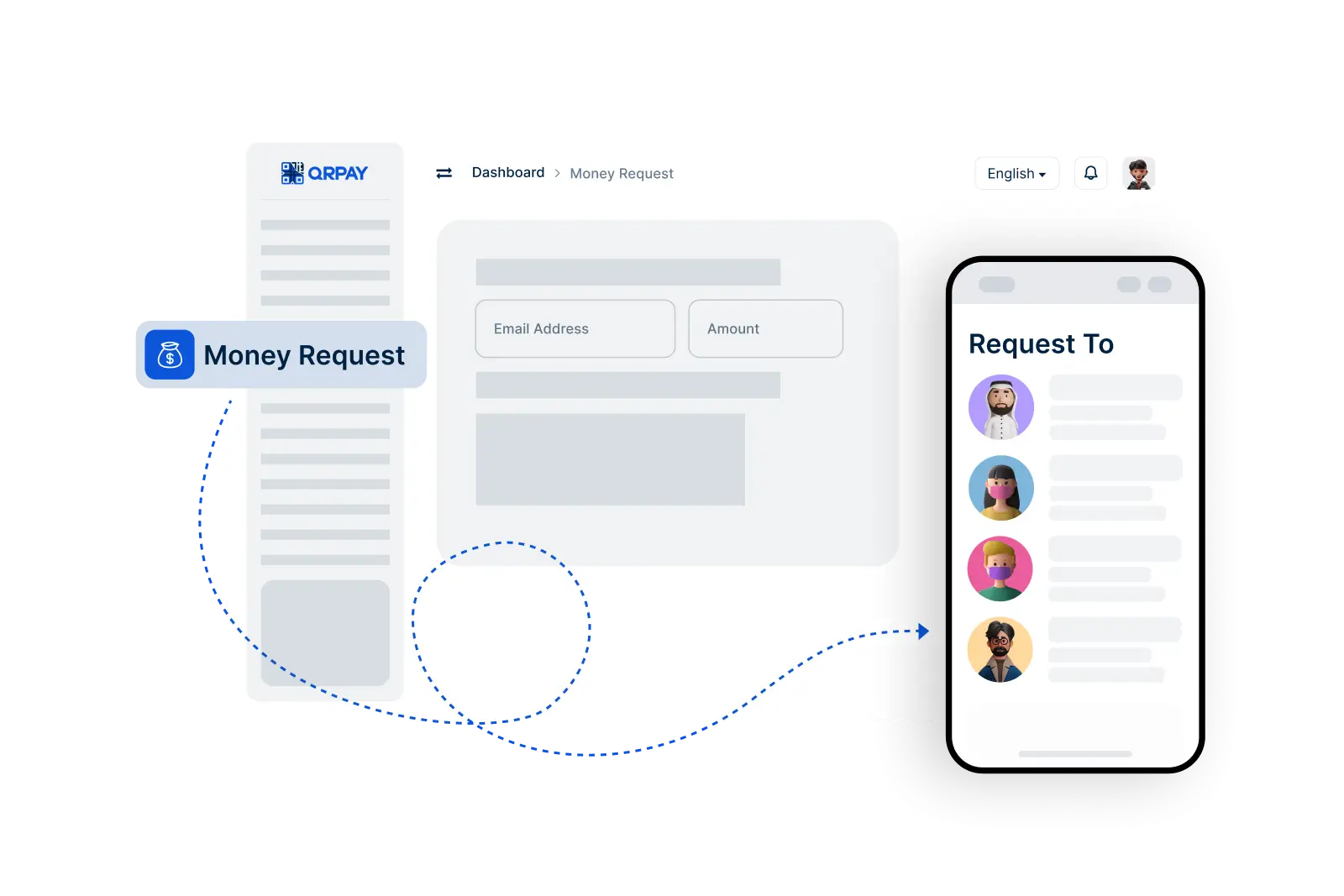
Get the information you need to easily request funds from others using Bnkus.
To request money, go to the Request Money feature, enter the recipient's Bnkus ID and the amount, then send your request. The recipient will receive a notification to complete the transaction.
Yes, you can add a note or description to your payment request to specify what the funds are for, making it clear to the recipient.
If the recipient does not respond, you can resend the request or follow up with them directly. Notifications will inform you if the request has been viewed or accepted.
Bnkus does not charge fees for sending a payment request. However, standard transaction fees may apply when the recipient sends the money to you.
Bnkus © 2026. All Rights Reserved. Bnkus