Top
Money In

Money In for Digital Wallet Access

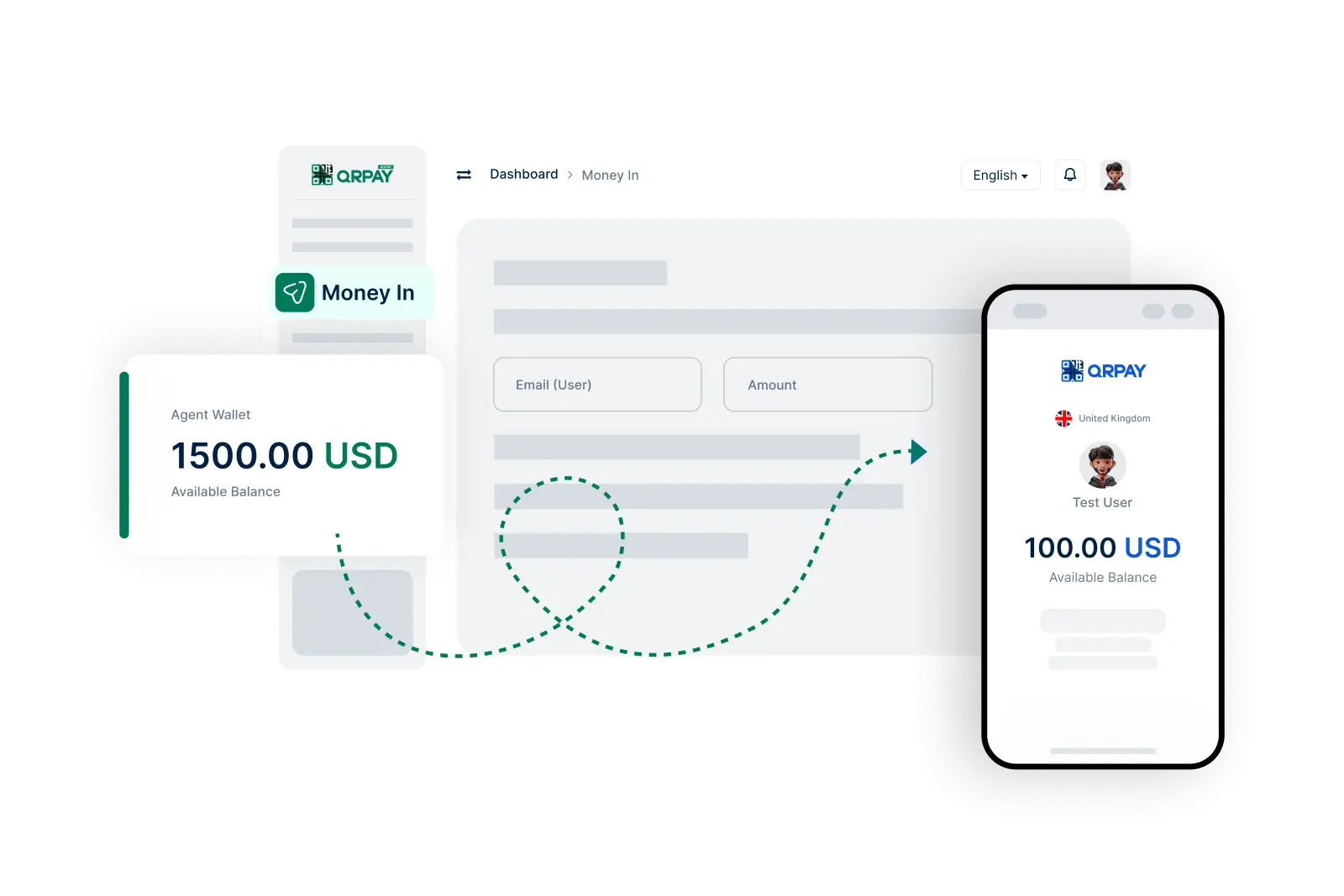
Bnkus Money In allows agents to deposit customer cash into digital wallets, helping communities participate in the digital economy.

    Simple Steps to Send Money to Users

  • 1. Log In to Your Account
  • 2. Select Money In Option
  • 3. Choose the User
  • 4. Enter Transfer Amount
  • 5. Review Transaction Details
  • 6. Confirm and Complete Transfer
img

Accept cash, fund the wallet, and provide transaction confirmation.

Frequently Asked Questions About Money In on Bnkus

Get answers to your questions about transferring funds to users' wallets.

How do I send money to a user's wallet using Bnkus?

To send money, log in to your account, go to the ‘Money In’ section, select the user by entering their Bnkus ID, email, or phone number, specify the amount, review the details, and confirm the transfer.

What information do I need to send money to a user?

You will need the recipient's Bnkus ID, email address, or phone number to successfully complete the transfer.

Are there any fees for sending money to users?

Fees may apply depending on the transaction amount and any applicable service charges. Please review the fee structure in your account settings for detailed information.

How long does it take for the funds to reach the user's wallet?

Transfers are typically processed instantly, and the funds should appear in the recipient's wallet shortly after you complete the transaction.