Find answers to your questions regarding the money withdrawal process in Bnkus.
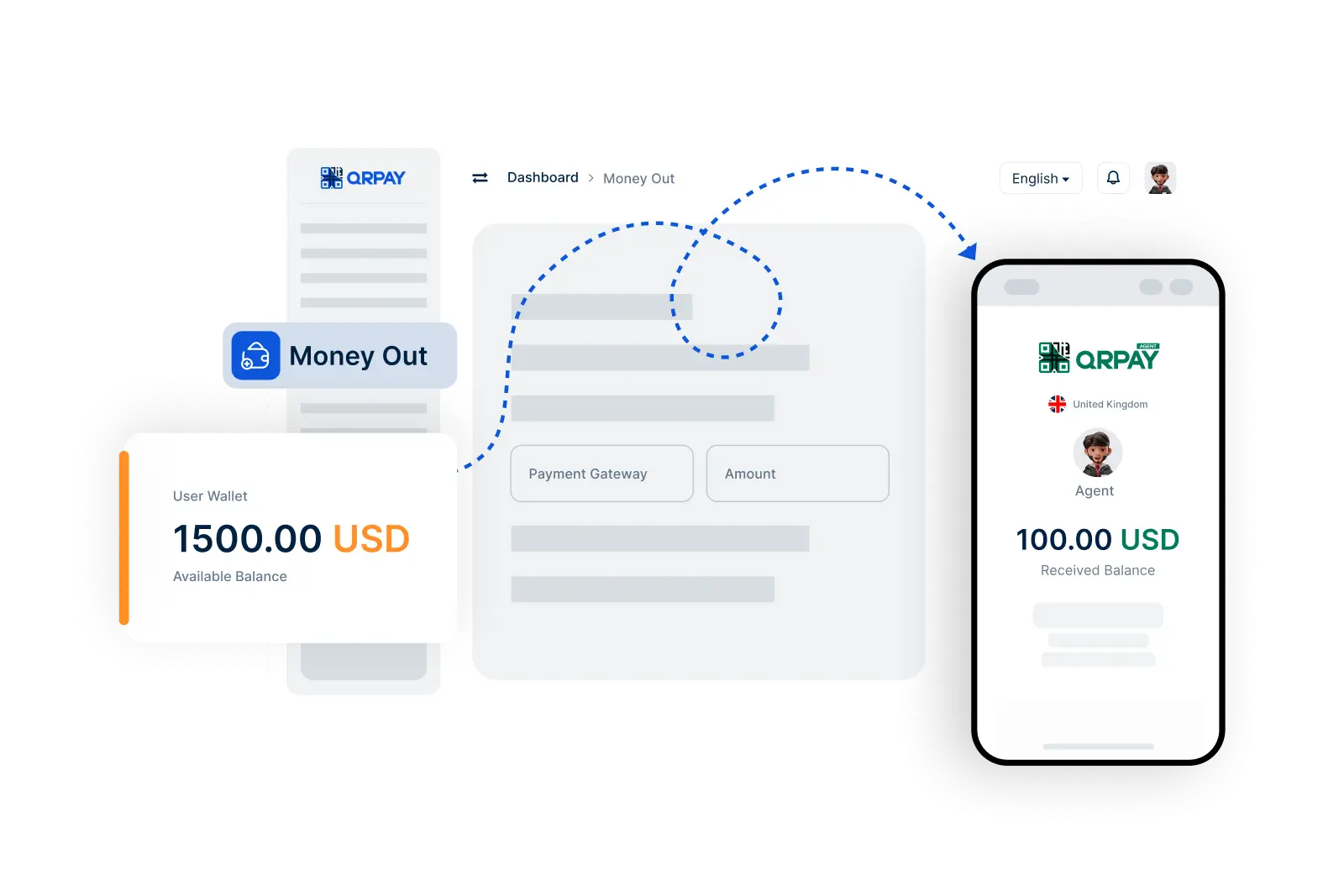
To withdraw money, go to the Money Out feature, select a Bnkus agent, enter the withdrawal amount, and confirm the transaction. Your funds will be transferred to the agent securely.
You can only withdraw money to authorized Bnkus agents registered on the Bnkus platform. Make sure you select a trusted agent for your transaction.
Typically, Bnkus does not charge fees for withdrawing funds to agents. However, some agents may have their own fee structures, so it's a good idea to verify before proceeding with your withdrawal.
After confirming your withdrawal, you will receive a notification once the funds have been successfully sent to the Bnkus agent. You can also check your transaction history for confirmation.
Bnkus © 2026. All Rights Reserved. Bnkus