Top
Agent Transfers

Agent Transfers Across the Bnkus Network

Move funds securely between agents, users, and service points to support community-level financial activity.

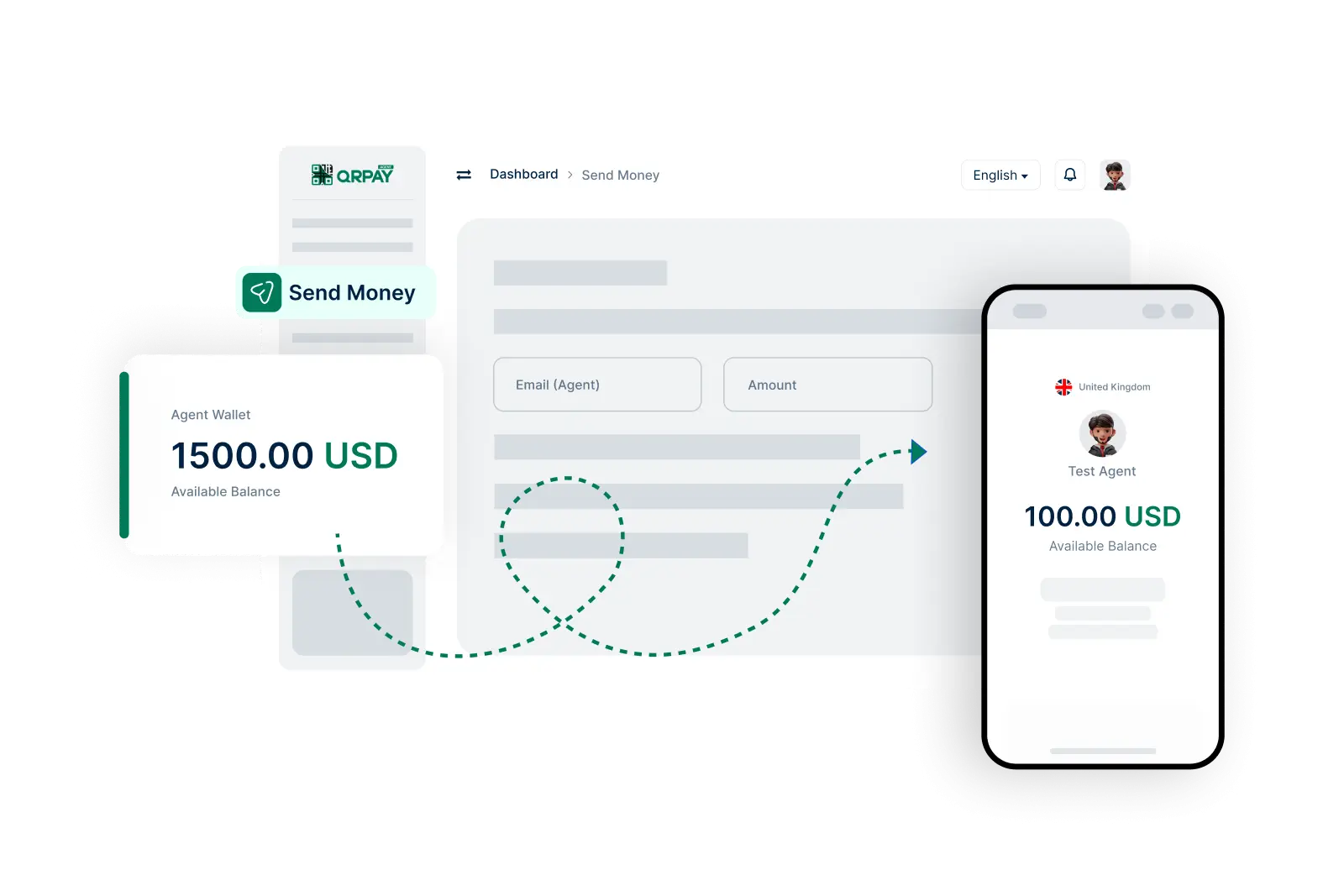
    Simple Steps to Send Money Between Agents

  • 1. Log In to Your Account
  • 2. Navigate to the Send Money Section
  • 3. Enter Recipient Agent’s Details
  • 4. Specify the Amount
  • 5. Review Transaction Details
  • 6. Confirm and Send
img

Choose the destination, verify details, and complete the agent transfer.

Frequently Asked Questions About Sending Money as an Agent on Bnkus

Find answers to common queries about the agent-to-agent money transfer process on Bnkus.

How do I send money to another agent on Bnkus?

To send money, log in to your account, navigate to the ‘Send Money’ section, enter the recipient agent’s details, specify the amount, review the transaction, and confirm to complete the transfer.

Can I send money to users outside of the agent network?

No, money transfers using the Send Money feature are strictly for agent-to-agent transactions within Bnkus.

Is there a limit on how much money I can send to another agent?

Yes, there may be limits based on your account type and verification status. Check your account settings for specific sending limits.

How will I be notified of a successful transfer?

After sending money, you will receive a notification confirming the transaction. You can also view your transaction history in your Bnkus account for details.