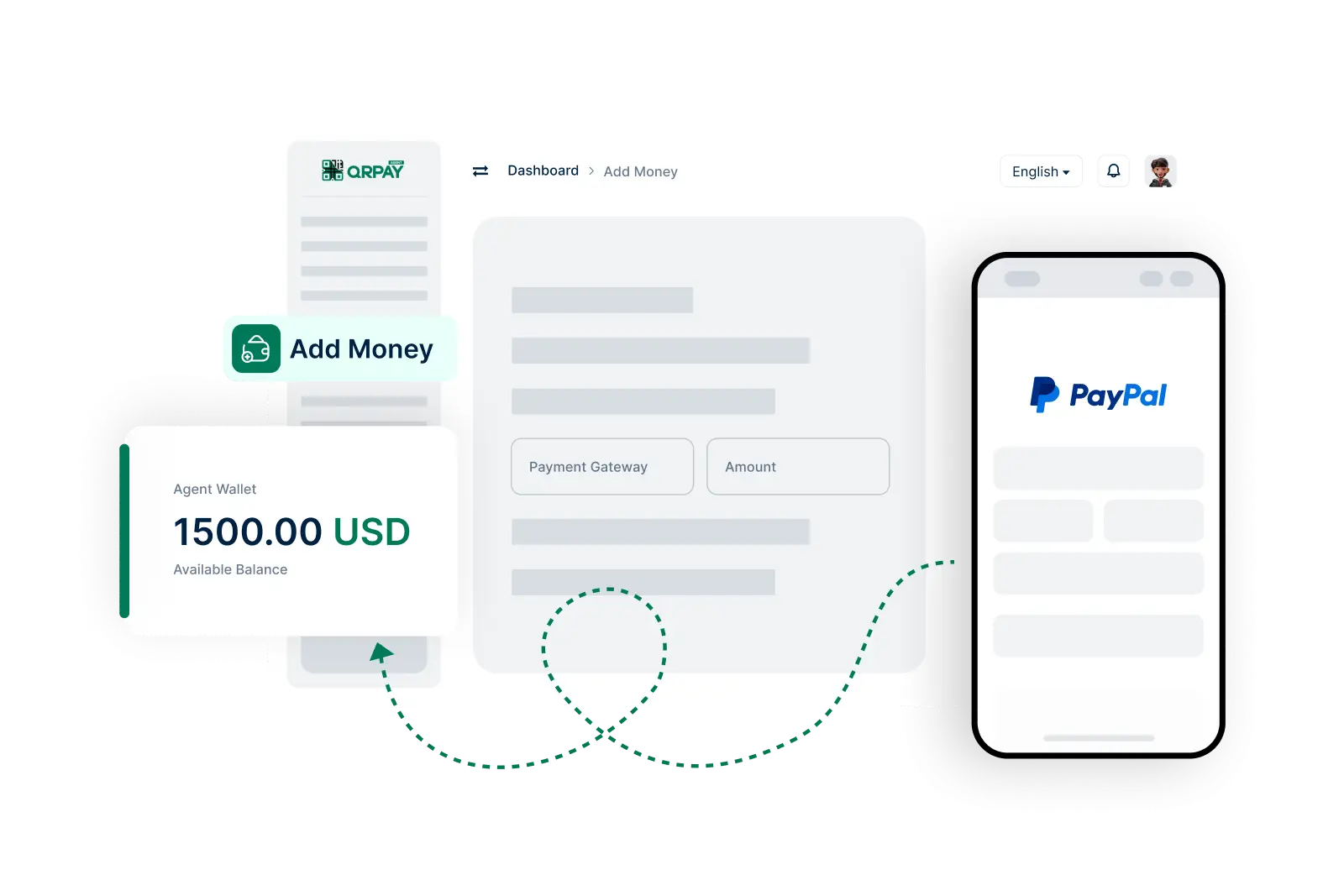
Learn more about funding your account as an agent on Bnkus.
You can add money using various methods such as bank transfers, credit/debit cards, and other supported payment options available within the Bnkus platform.
Yes, there may be transaction fees depending on the funding method you choose. You will be informed of any applicable fees before confirming your transaction.
Typically, funds added through bank transfers may take a few hours to reflect in your account, while credit/debit card transactions are usually processed instantly.
Yes, there may be limits based on your account type and transaction history. Please check your Bnkus account settings or reach out to customer support for specific limit details.
Bnkus © 2026. All Rights Reserved. Bnkus