Find answers to your questions regarding virtual card creation and usage.
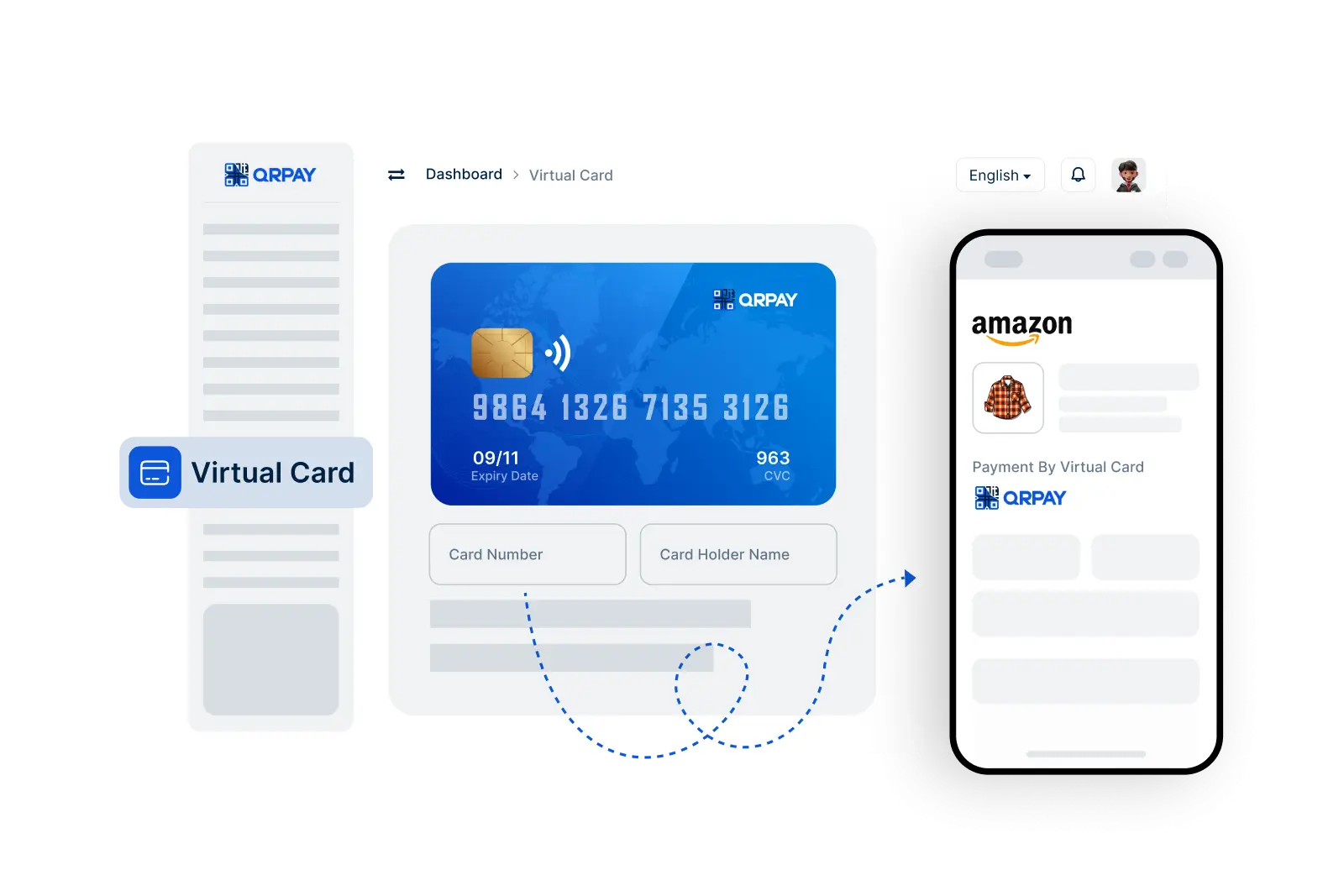
To create a virtual card, go to the Virtual Card feature in your Bnkus app, click on "Create a Virtual Card," and follow the prompts to set your preferences and generate your card.
Yes, Bnkus virtual cards can typically be used for international transactions as long as the merchant accepts card payments. Check with the merchant for their accepted payment methods.
Absolutely! Bnkus's virtual card feature provides an additional layer of security by keeping your actual credit card details private, reducing the risk of fraud.
Yes, when generating your virtual card, you can set spending limits and an expiration date based on your preferences, allowing you to manage your spending effectively.
Bnkus © 2026. All Rights Reserved. Bnkus