Find out how to create, share, and receive payments securely using Bnkus’s payment links.
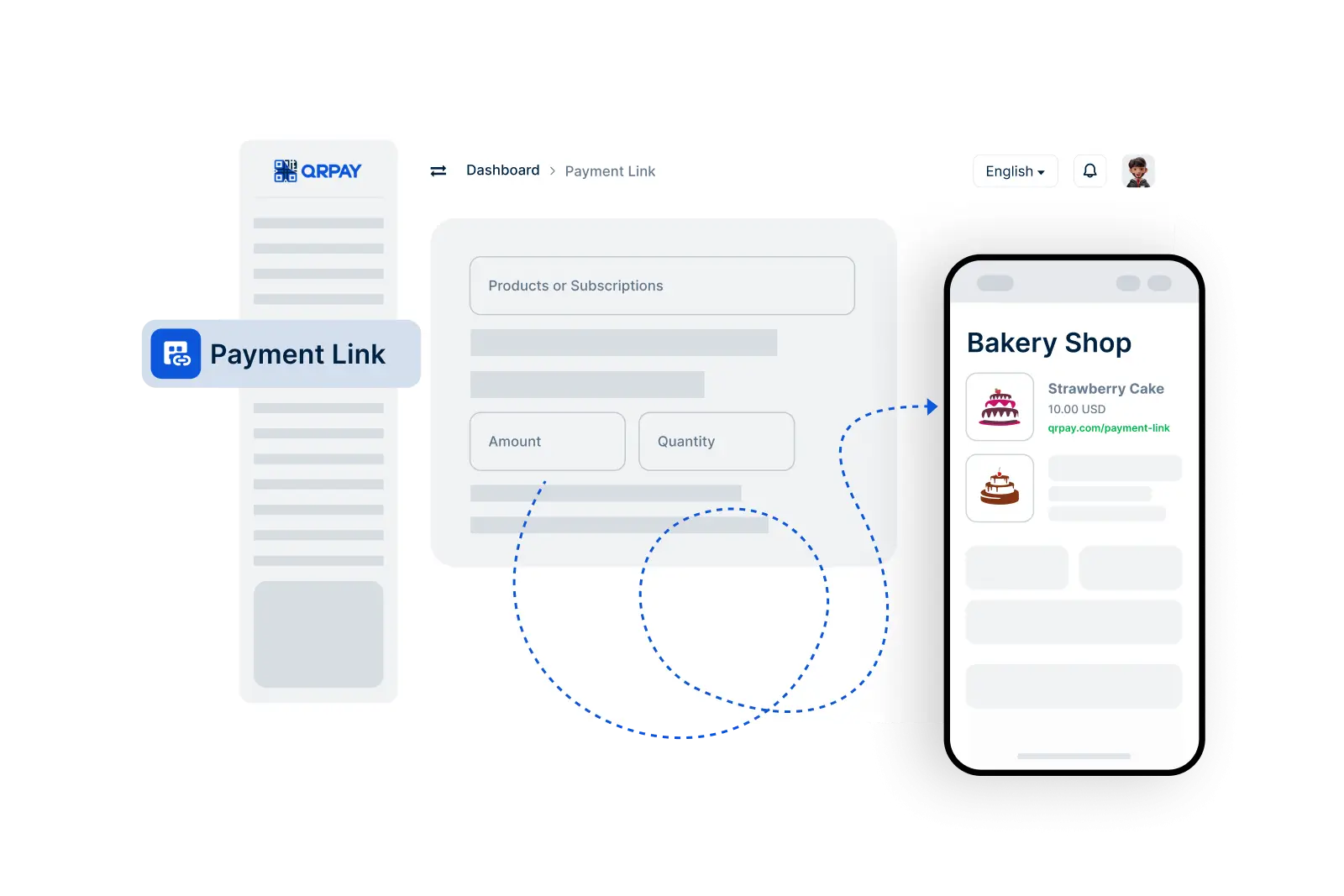
To create a payment link, navigate to the Payment Link option in your Bnkus account. Enter the amount and currency, generate the link, and you’re ready to share it.
A small transaction fee may apply to payment link transactions. You’ll see the fee before you confirm the link creation, ensuring transparency and no hidden costs.
Yes, Bnkus supports international payments. If the payer’s currency is different, Bnkus will handle the currency conversion, making it easy to receive global payments.
Bnkus’s payment links are encrypted and designed with security in mind. Each link is unique, and Bnkus uses advanced protection to ensure your transactions are safe and private.
Bnkus © 2026. All Rights Reserved. Bnkus