Find answers to your queries regarding the process of adding funds to your Bnkus account.
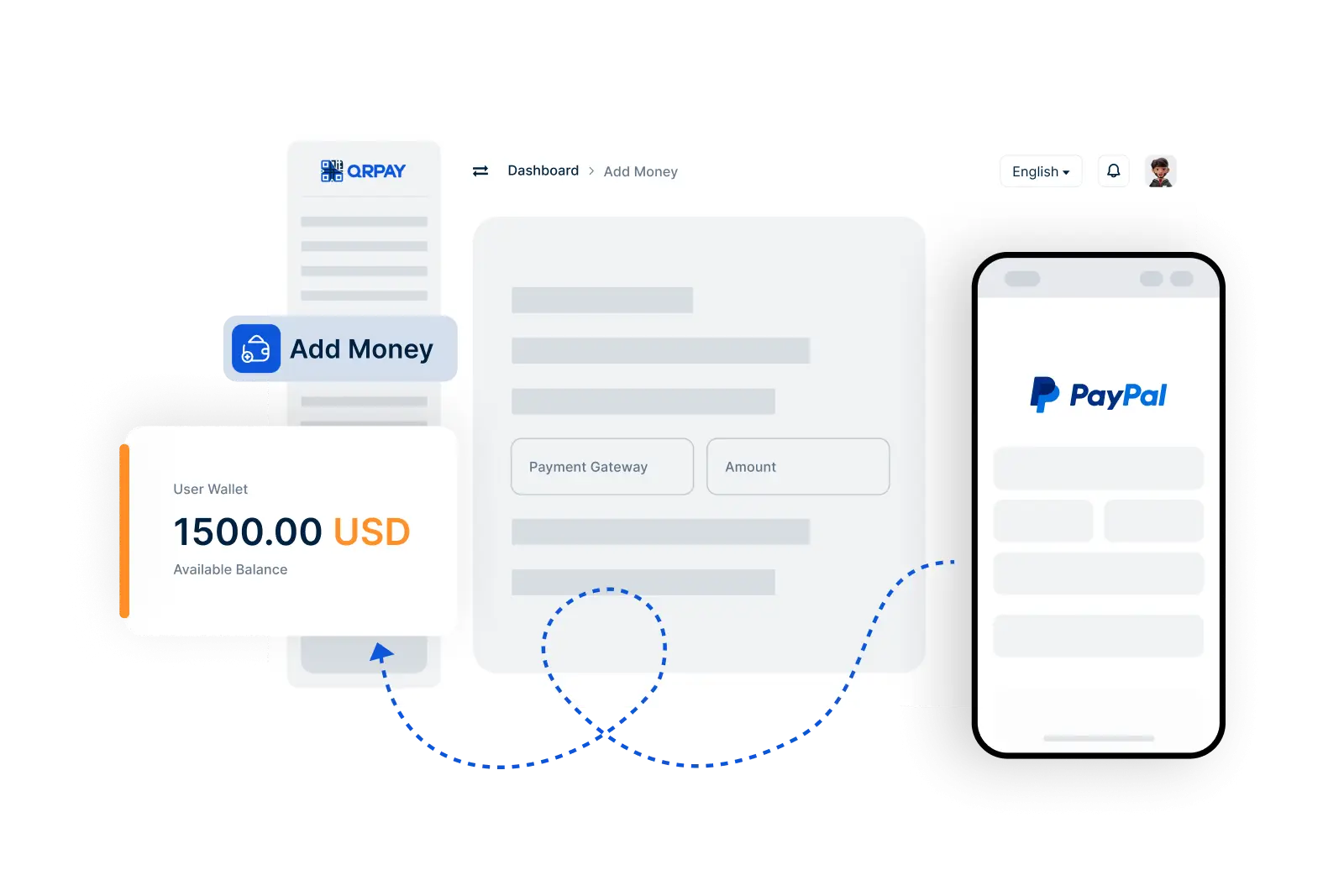
To add money, navigate to the Add Money feature, select your funding source, enter the desired amount, and confirm the transaction. Your funds will be available shortly after the process is complete.
You can add money using various methods, including bank transfers, debit/credit cards, and other supported payment options. Choose the method that works best for you.
Fees may apply depending on the payment method you choose. You will be informed of any applicable fees before confirming your transaction to ensure transparency.
Funds are typically added to your Bnkus account instantly, but some methods may take a little longer to process. You will receive a notification confirming the addition of funds once completed.
Bnkus © 2026. All Rights Reserved. Bnkus