Top
Agent Bill Pay

Agent Bill Payment Services

Help walk-in customers pay utilities and everyday bills through Bnkus, even when they need assisted digital services.

    Quick Steps to Pay Bills

  • 1. Log In to Your Account
  • 2. Select Bill Pay Option
  • 3. Choose the Type of Bill
  • 4. Enter Bill Details
  • 5. Review Payment Details
  • 6. Confirm and Complete Payment
img

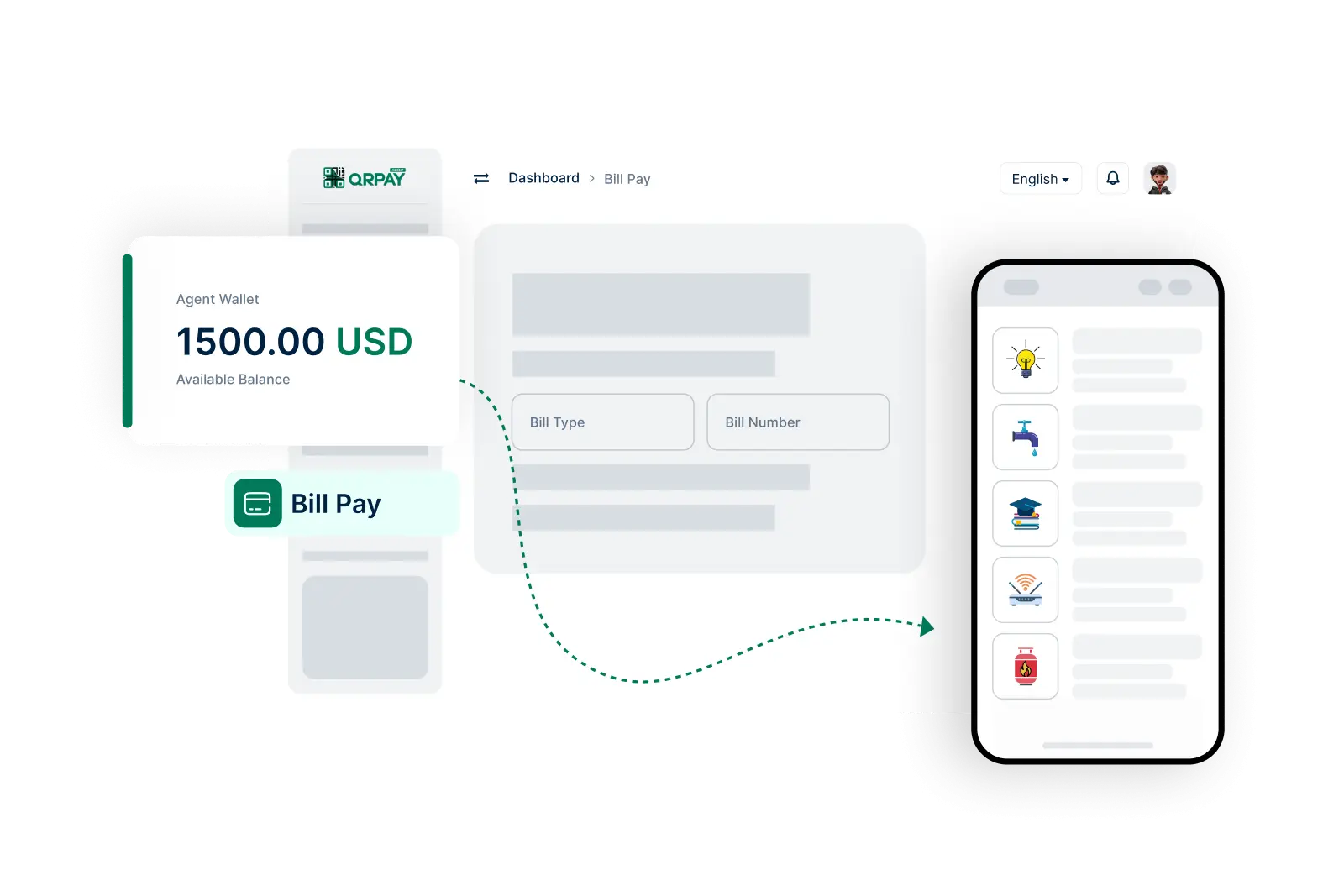
Select the biller, enter details, confirm, and process the payment.

Frequently Asked Questions About Bill Pay on Bnkus

Find answers to your questions about making bill payments on behalf of users.

How do I pay bills using Bnkus?

To pay bills, log in to your account, navigate to the ‘Bill Pay’ section, select the bill type, enter the required details, review the payment information, and confirm the payment.

What types of bills can I pay through Bnkus?

You can pay a variety of bills including utilities, subscriptions, and other service-related payments, depending on the providers available in your area.

Is there a fee for using the Bill Pay feature?

Fees may apply based on the specific bill being paid and any associated service charges. Please check your account settings for detailed fee information.

How will I know if my bill payment was successful?

You will receive a notification confirming the successful payment, along with a transaction reference number for your records.