Find answers to common questions regarding mobile top-ups with Bnkus.
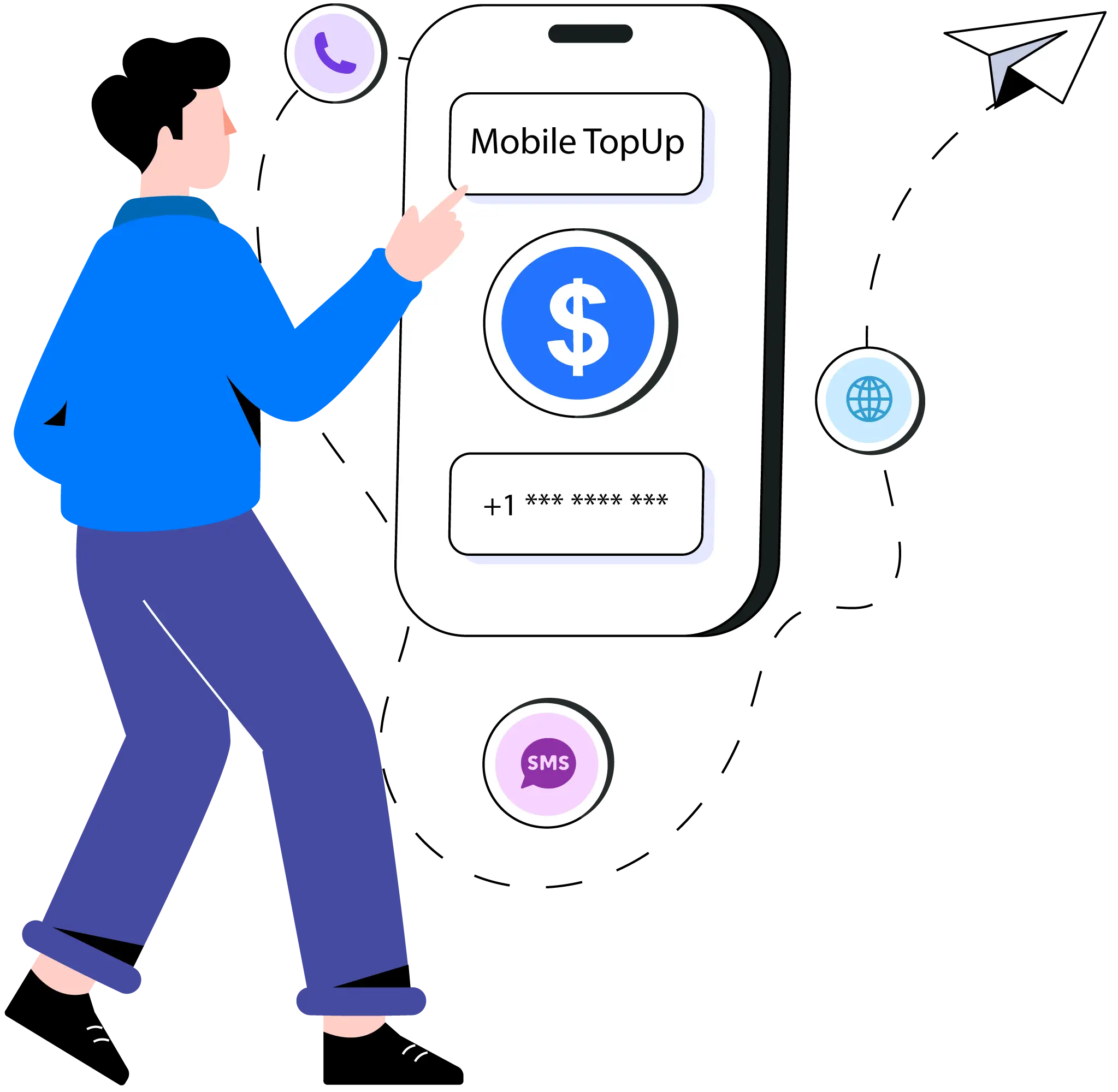
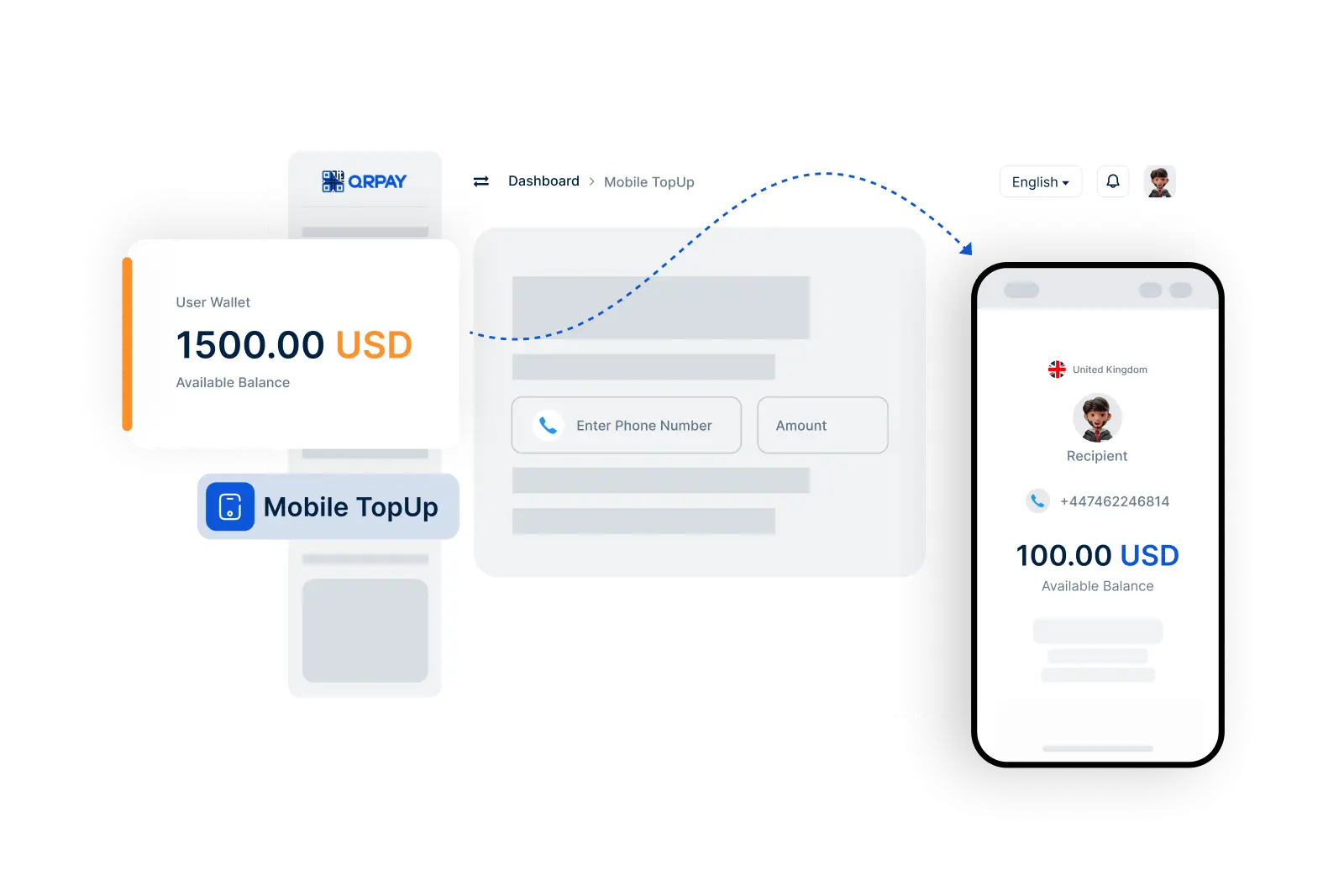
To top up your mobile phone, navigate to the Mobile Top-Up section in your Bnkus app, select your carrier, enter the phone number, choose the amount, and confirm the transaction.
Yes, you can recharge the mobile account of another person by entering their phone number in the Mobile Top-Up section.
Mobile top-ups may incur a small service fee, depending on your mobile carrier and the amount being topped up. Please check the details in the app before confirming your transaction.
You will receive a confirmation notification once your mobile top-up is processed successfully. You can also check your transaction history for details.
Bnkus © 2026. All Rights Reserved. Bnkus